
- Pricing & Availability
- What comes in the box?
- Design & Construction
- Size & Measurements
- User Interface
- Emitter & Beam
- Mode Chart
- Runtime
- Driver & Regulation
- Switch
- Carry & Ergonomics
- Batteries & Charging
- Competition
- Conclusion
Pricing & Availability
Olight sent me this light in exchange for an honest review. Here is the official product page where you can see current pricing. It’s MSRP is $60 at the time of writing, but it’s on sale for $48. That’s a tracked link so they know I sent you, but I have chosen not to receive any commissions from sales generated by that link.
What comes in the box?
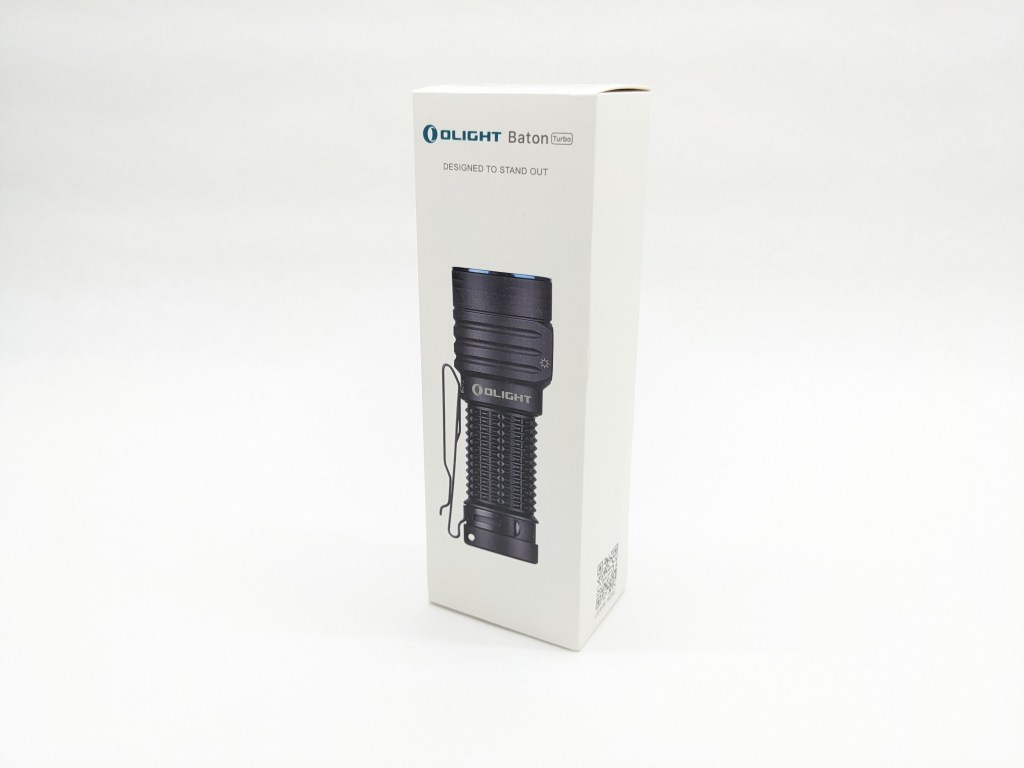
Baton Turbo comes in Olight’s standard box. It’s made of folded cardstock and has high-quality printing to show off the light and its features. There’s a vacuum-formed plastic insert inside that holds the contents in place. Inside is:
- The light itself
- Battery (inside the light)
- User manual & safety booklet
- Magnetic USB charging cable
- Wrist lanyard
- CR123A/16430 Spacer
- Drawstring pouch

Design & Construction
Baton Turbo builds on the existing Baton 4 aesthetic with a larger head, some cooling fins, and different pocket clip mounting. I think it looks smart, and I’m glad the clip is black instead of blue. I wish the bezel and button were black too.
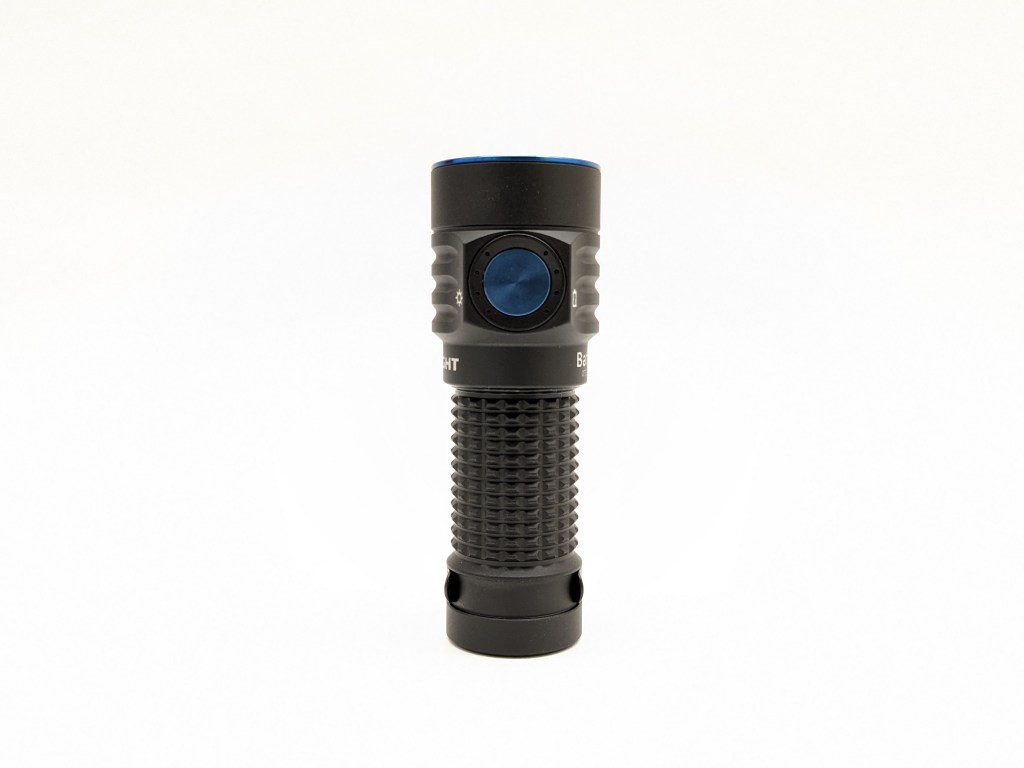
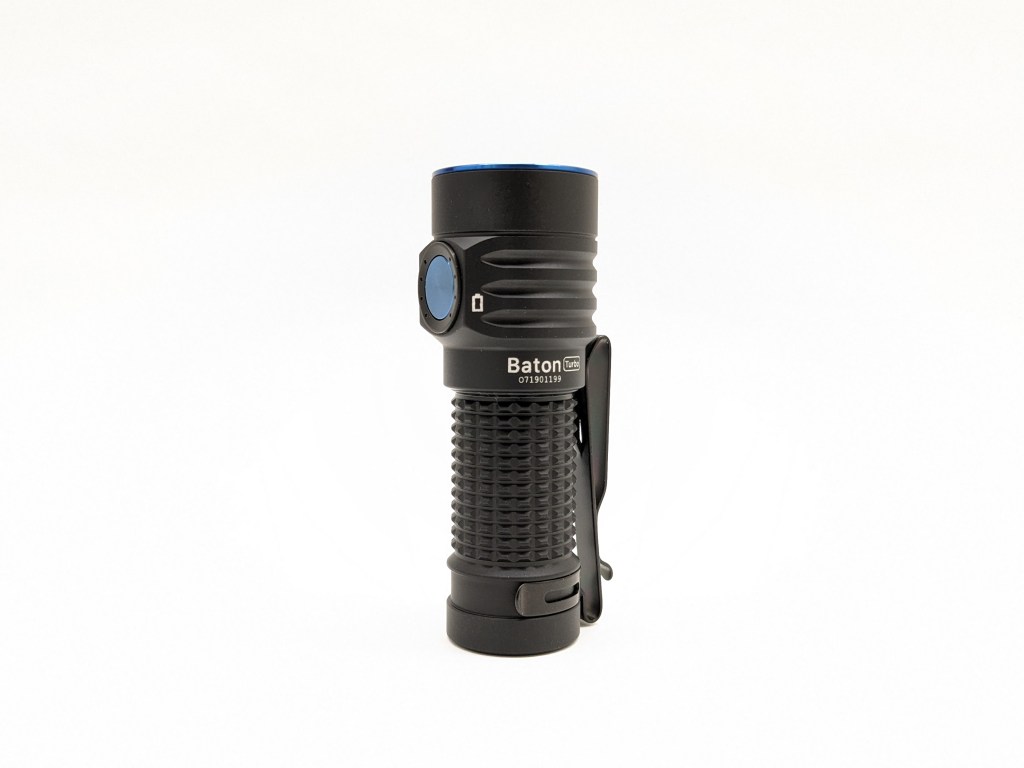
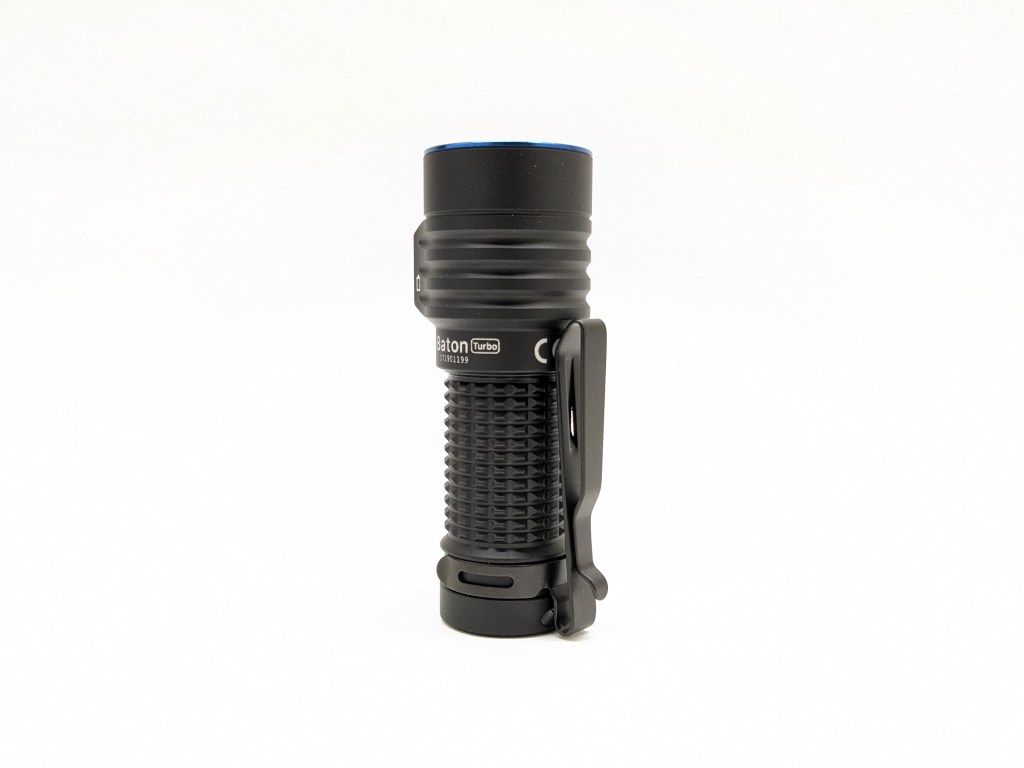
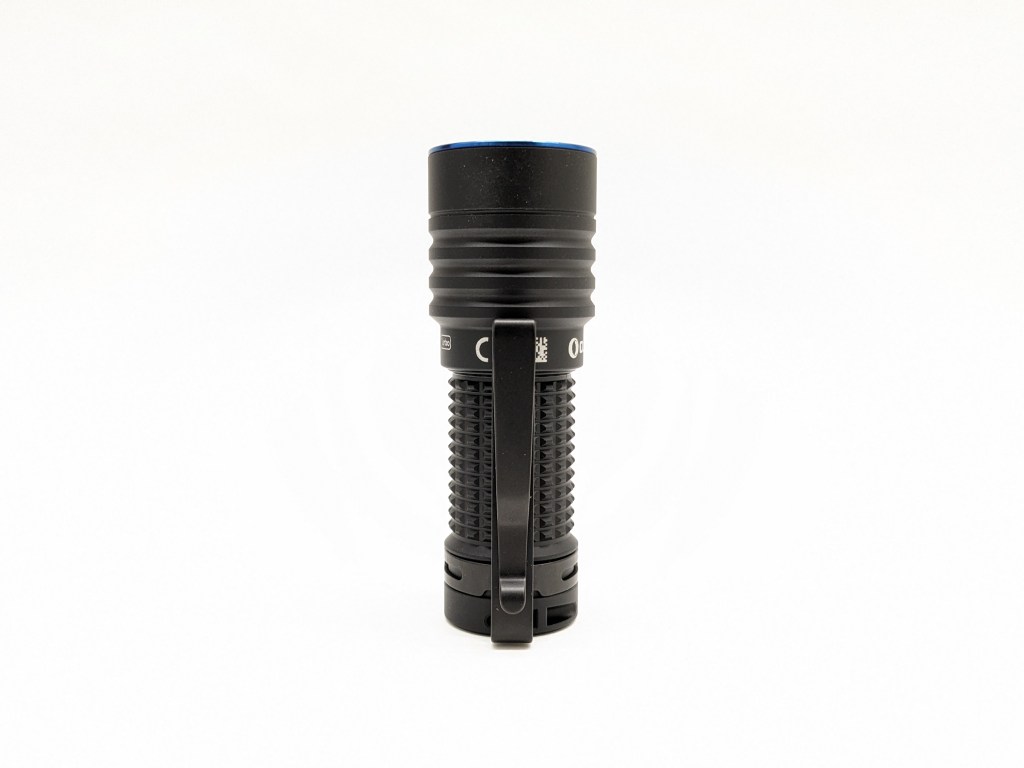

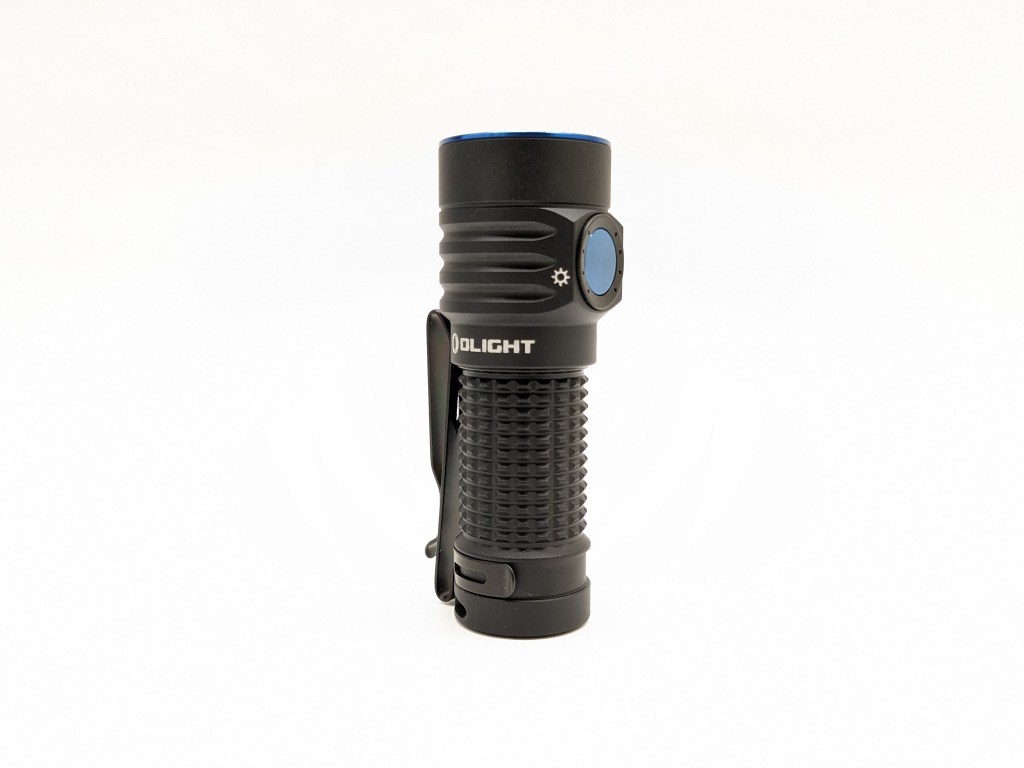
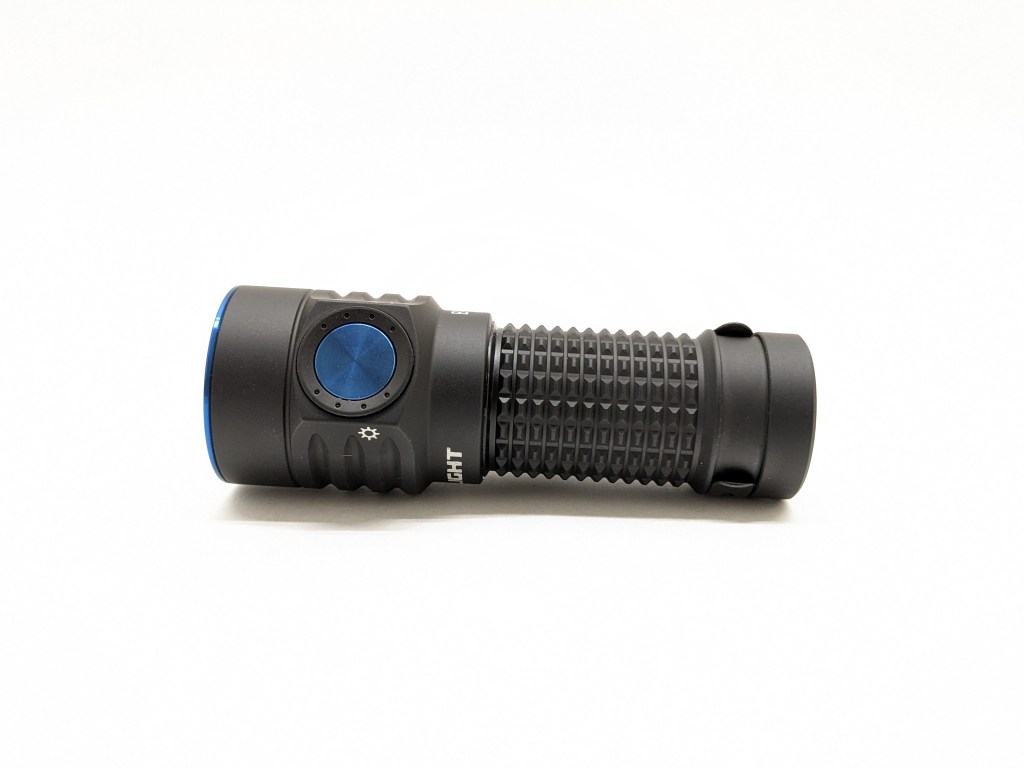
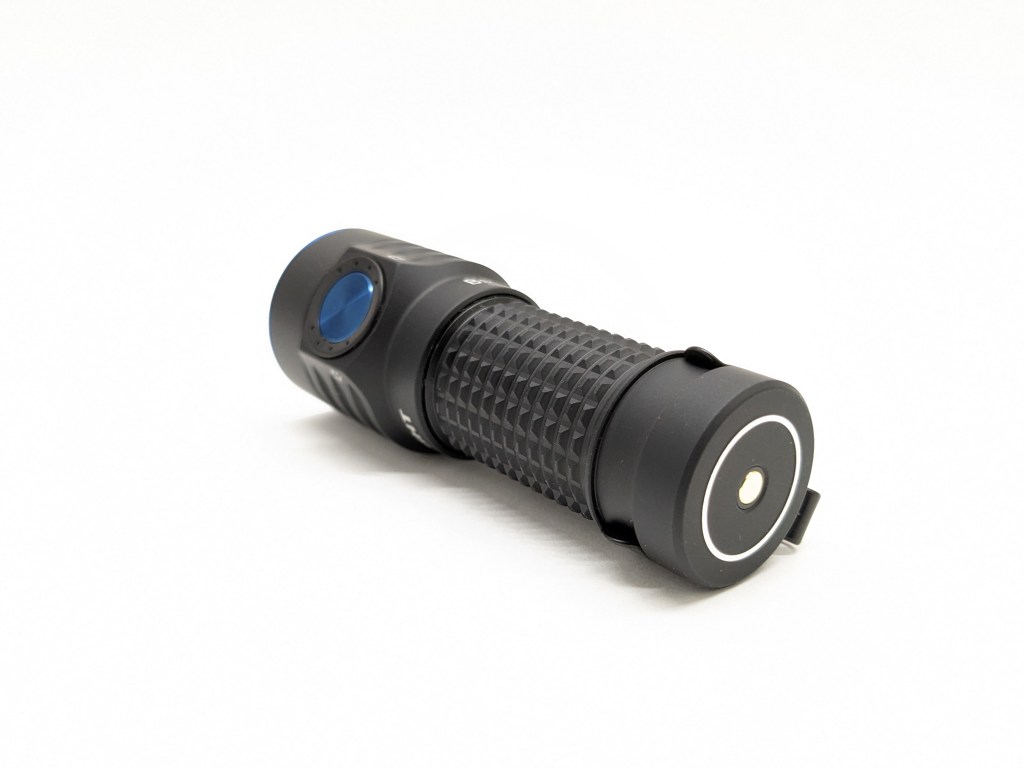
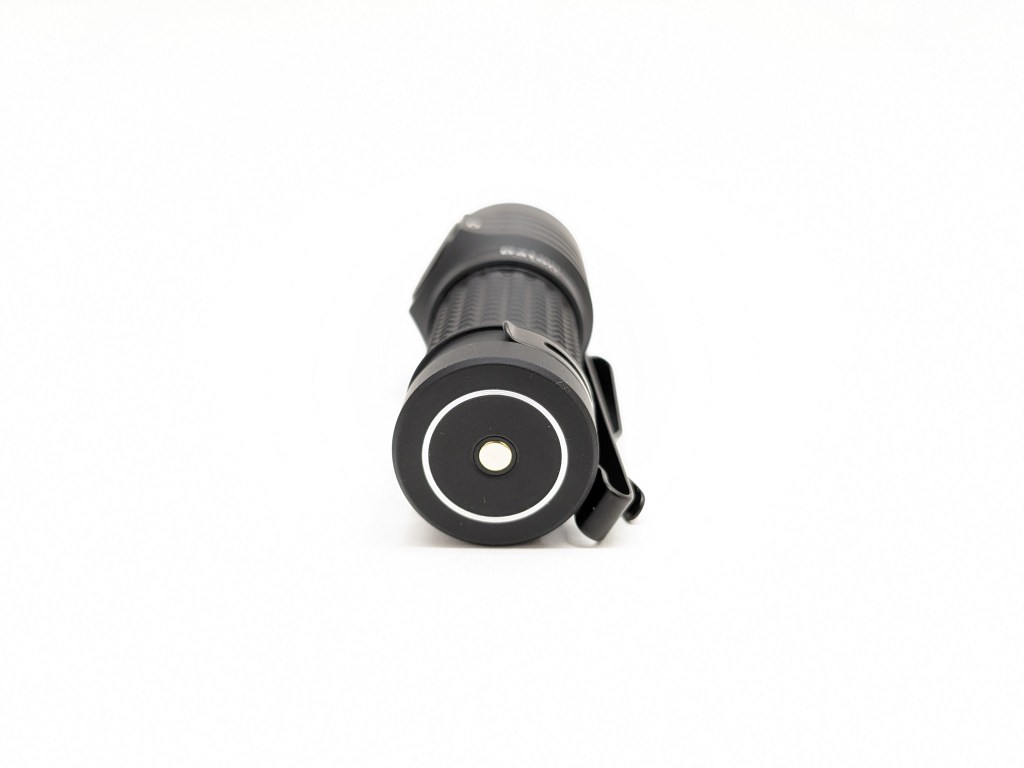
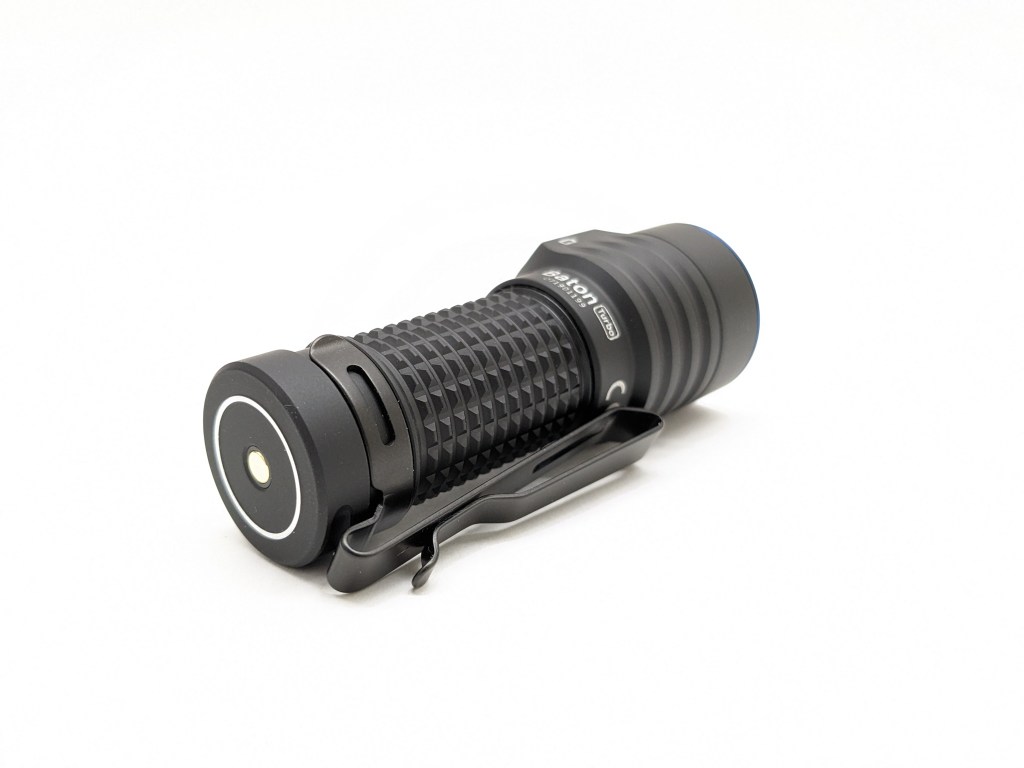
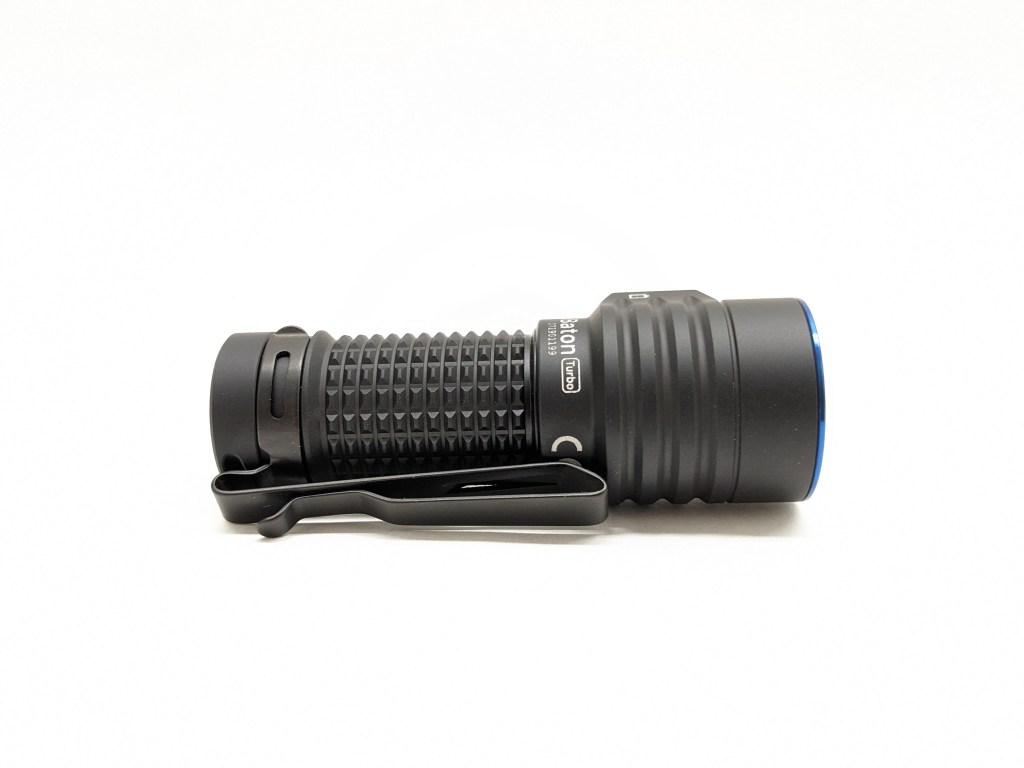
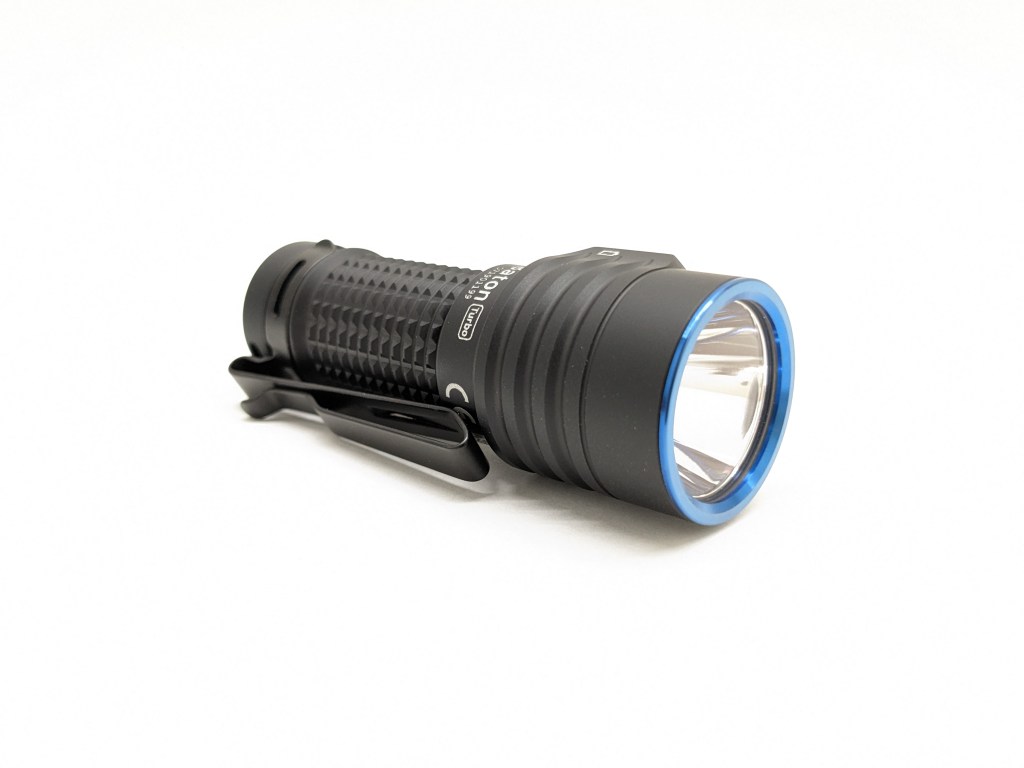
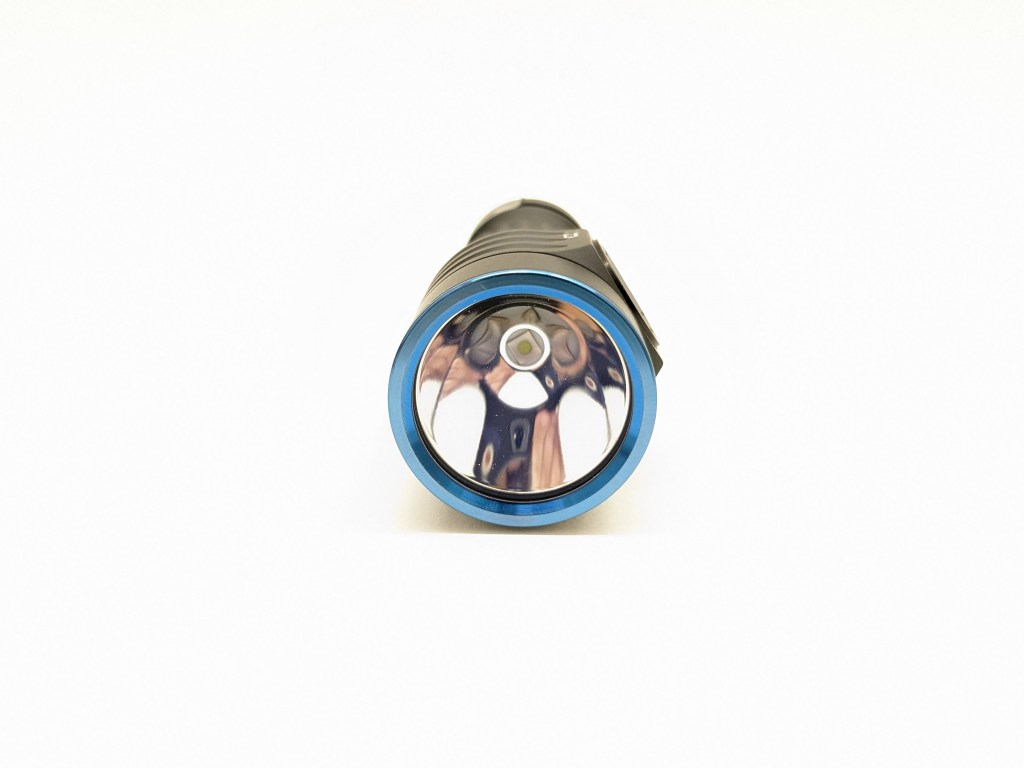
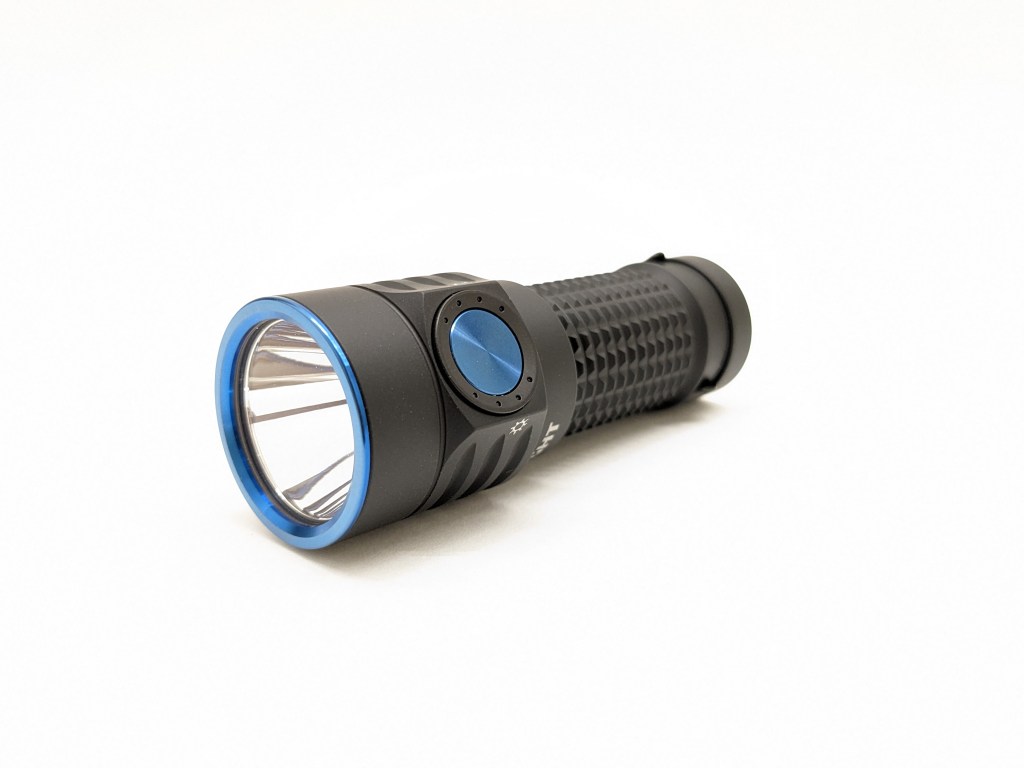
Build quality is top-notch. Olights always have a feeling of quality, fit, and finish that you can’t get from budget brands. It has a matte-ish finish instead of the satin finish I’m used to and prefer from Olight.
Size & Measurements
Mini Maglite | Skilhunt MiX-7 | Olight Baton Turbo | Convoy T3 TiCu | Skilhunt H150

| Measurement | Measured (mm) |
|---|---|
| Bezel Diameter | 29.0 |
| Maximum Head Diameter | 31.5 |
| Length | 81.8 |
| Switch Diameter | 10.6 |
| Lens Thickness | 1.4 |
| Lens Diameter | 24.9 |
| Reflector Hole Diameter | 5.2 |
| Reflector Diameter | 24.9 |
| Reflector Height | 20.0 |
| MCPCB Size | 16 |
| LED Footprint | 3535 (I think) |
| Body Tube Diameter | 22.5 |
| Pocket Clip Slot Width | 6.2 |
| Pocket Clip Slot Diameter | 22.4 |
| Tail Diameter | 24.0 |
| Driver Diameter | Inaccessible |
| Included Battery Length | 39.4 |
| Weight with included battery (g) | 90 |
| Weight empty (g) | 64g |
User Interface
This is a good, simple UI. It has all the core features you need without being bloated or complicated.
The actions are # of presses followed by a hold (H) or a release (C). So, “1C” is one click and release. “2H” is two clicks but you hold down the last one.
| State | Action | Result |
|---|---|---|
| Off | 1C | On (mode memory) |
| Off | 1H (short) | Moonlight (memorized) |
| Off | 1H (long) | Lockout |
| Lockout | 1C | Battery indicator glows |
| Lockout | 1H (long) | Unlock (to Moonlight) |
| Moonlight | 1H | Low |
| Any | 3C | Strobe |
| Any | 2C | Turbo (memorized as High) |
| On | 1H | Cycle mode (low-med-high) |
| On | 2H | Activate 3-minute timer, repeat for 9-minute |
What they got right:
- Clicking turns the light on/off and holding the button changes modes. That’s the way almost all e-switch flashlights should work. It’s intuitive and quick.
- The common shortcuts work. Moonlight, Turbo, and Strobe all have shortcuts that work the same way as most other lights. They work very well and there’s no learning curve when switching lights.
- There are 5 brightness levels, which is just the right amount; enough options but not so many that it’s cumbersome.
- Strobe is hidden behind a triple click outside the main rotation. You won’t activate it by accident.
- 1H from Moonlight goes to Low. That means you can get to Low mode without going through brighter modes.
What they got wrong:
- Turbo & Moonlight are memorized. They shouldn’t be memorized because they each have dedicated shortcuts for quick access. Since they’re memorized, accessing them will override your memorized mode.
- Turbo is memorized as High. Not only does accessing Turbo overwrite your memorized mode, but it doesn’t even memorize properly as Turbo.
- High only stays memorized for a few minutes. If you turn the light off in High (or Turbo) and then don’t reactivate it within a few minutes, the next time you activate the light it will be in medium mode, not High. Modes should either be memorized or not memorized. This time-based memorization change feels more like a confusing bug than a feature and should be removed.
- Lockout/unlock is long 1H from off. That’s too easy to accidentally deactivate. Many other makers are moving to 4C to lock/unlock and I prefer that. Mechanical lockout works fine here too.
- There’s no shortcut from Turbo to the memorized mode. I would like it to be doable via 2C from Turbo. Previous Olight models have had this feature. I don’t know why they removed it for Baton Turbo.
Emitter & Beam
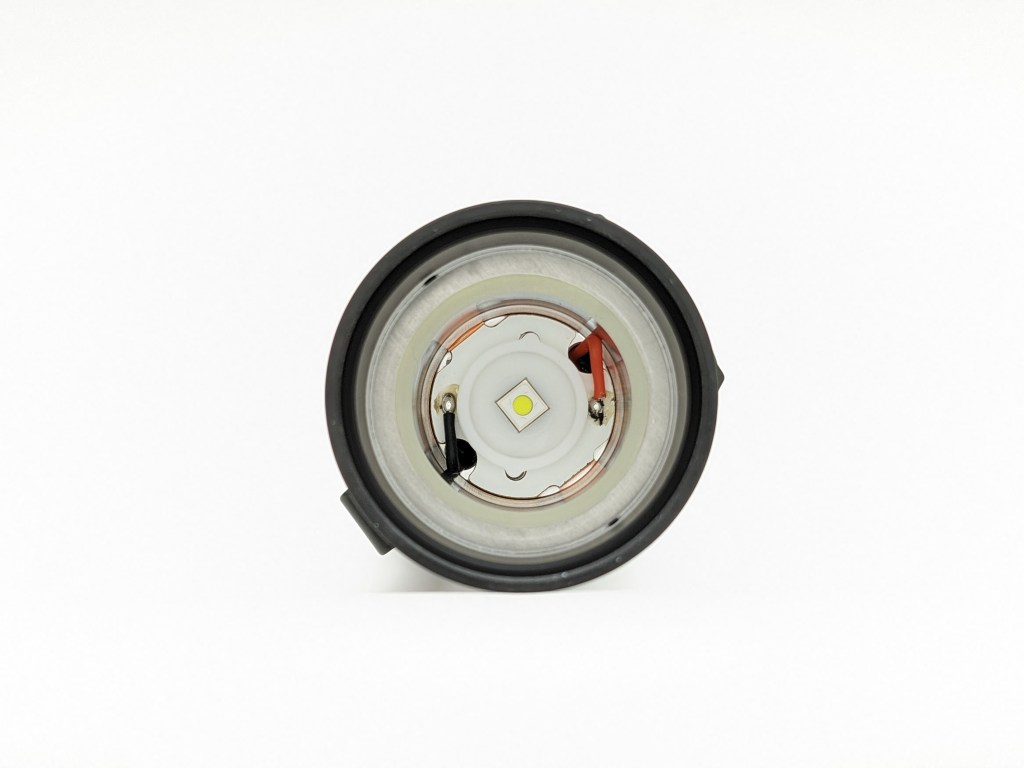
Olight doesn’t publish emitter details, but I think this is a Luminus SFT25R. It’s a hot new emitter with a small, round die for lots of throw. The color properties aren’t great, but it does a great job in this light. It also appears to be on a standard 16mm MCPCB, so swaps should be easy.
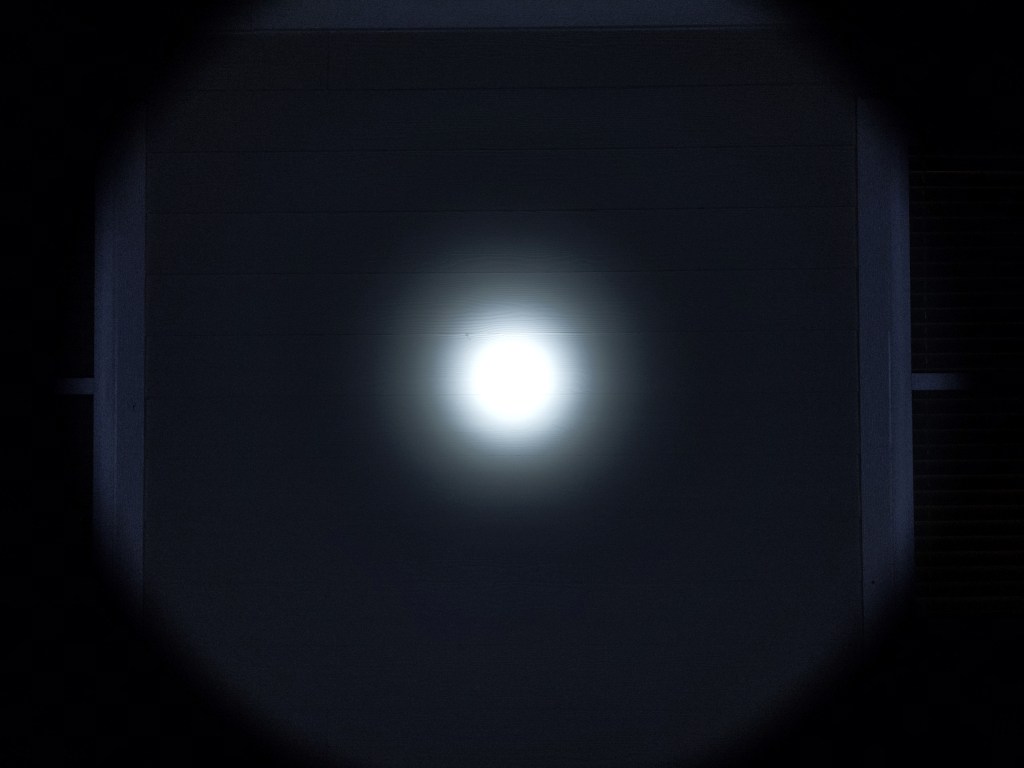
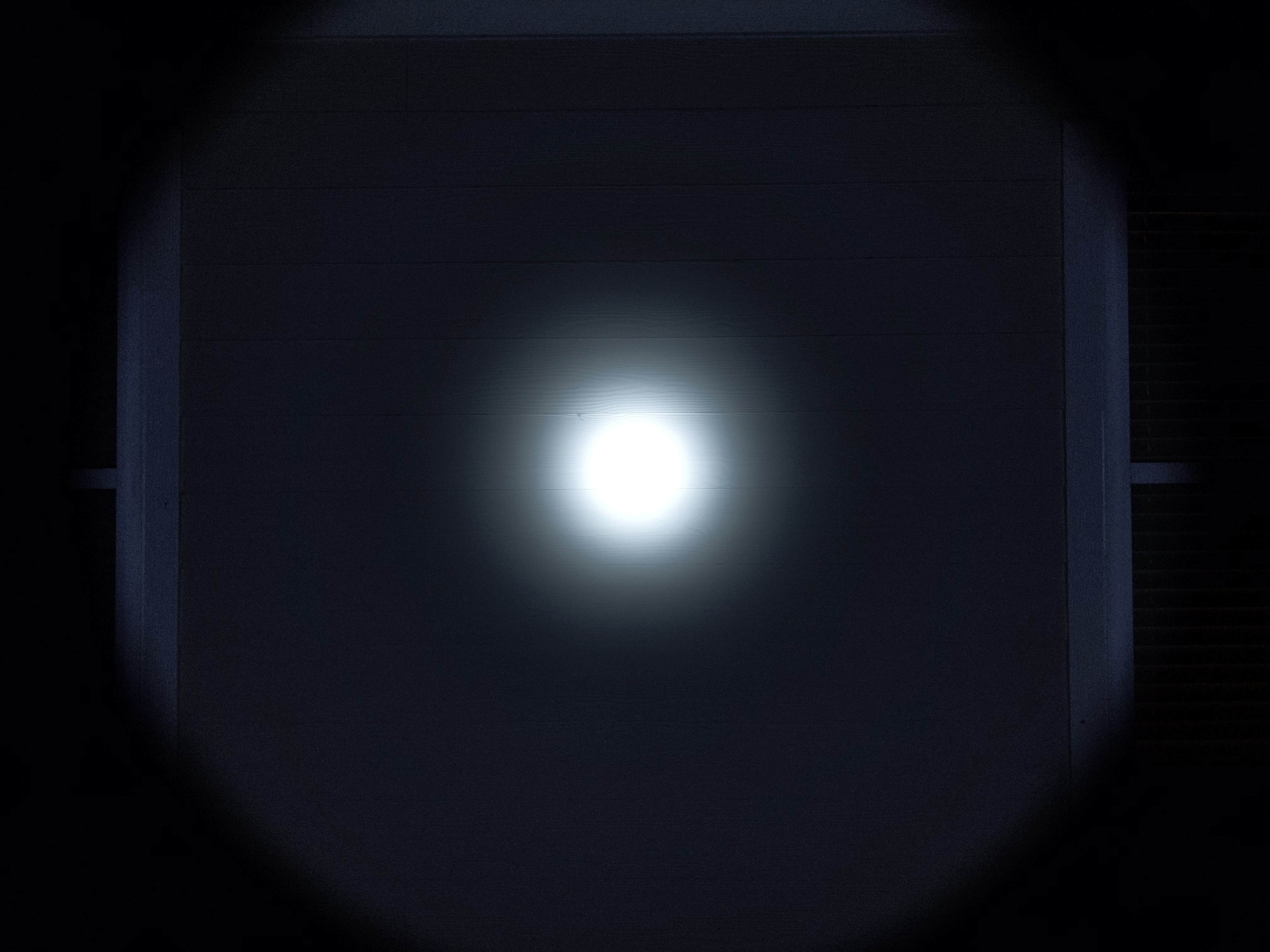
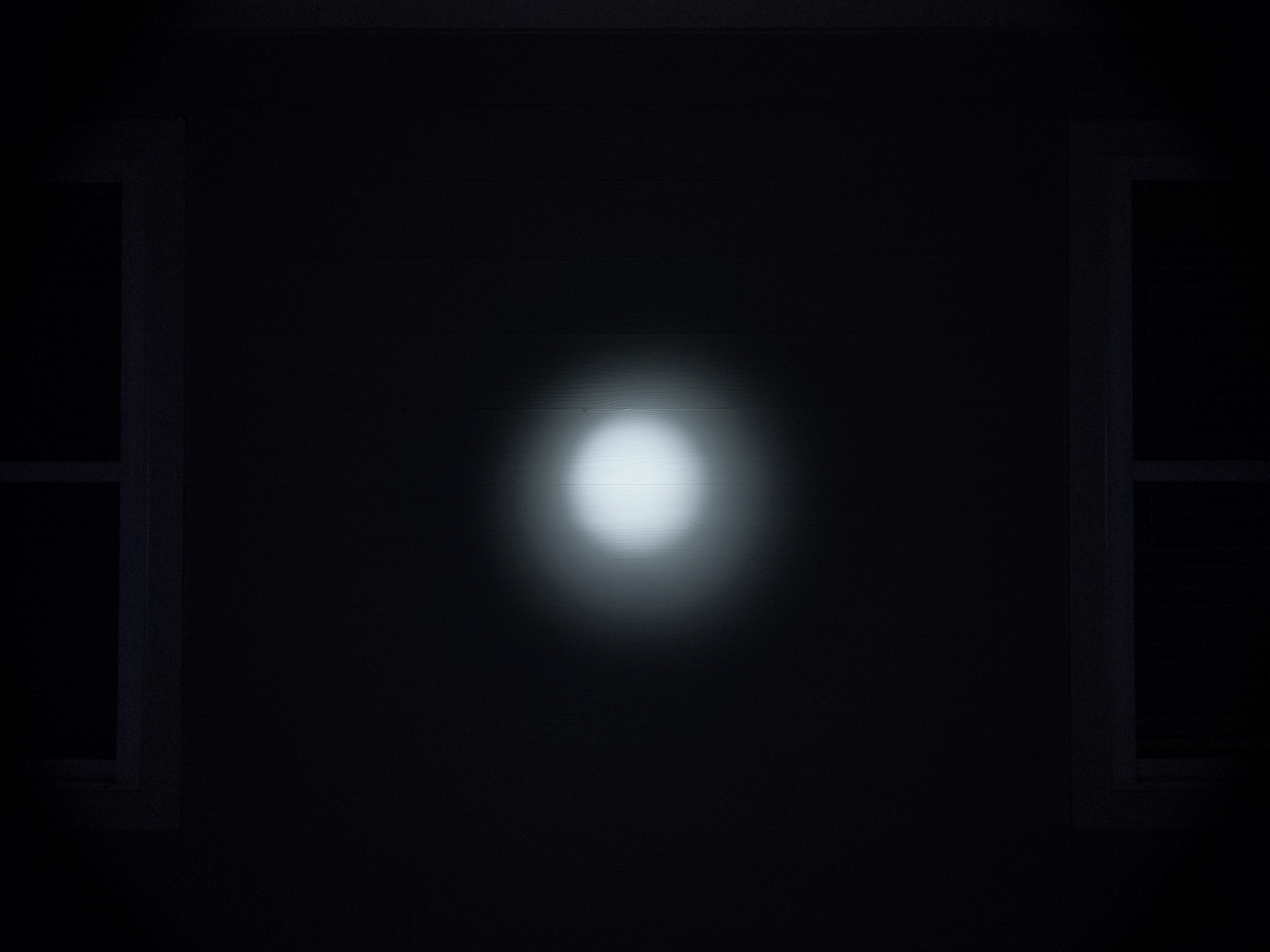
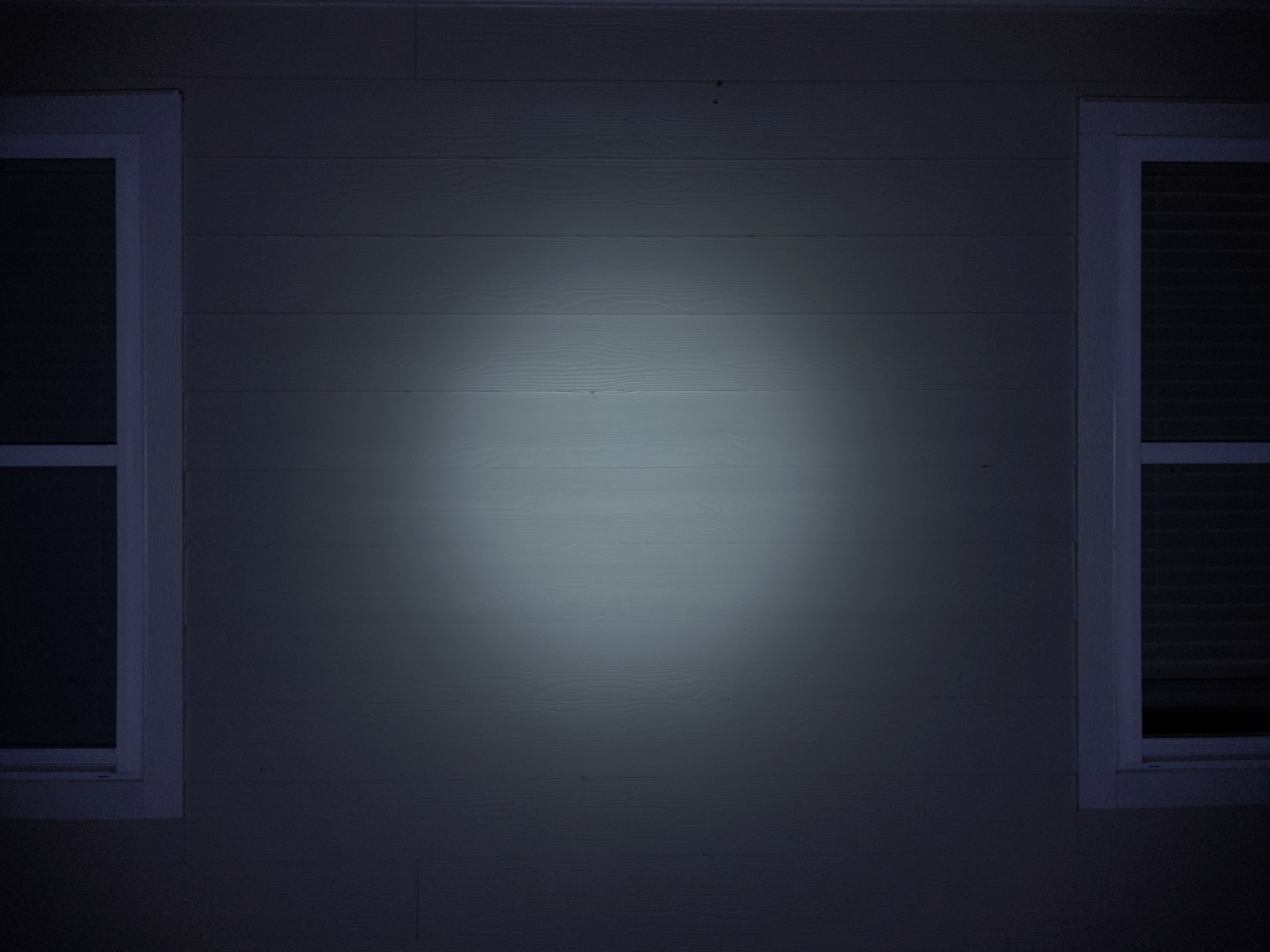
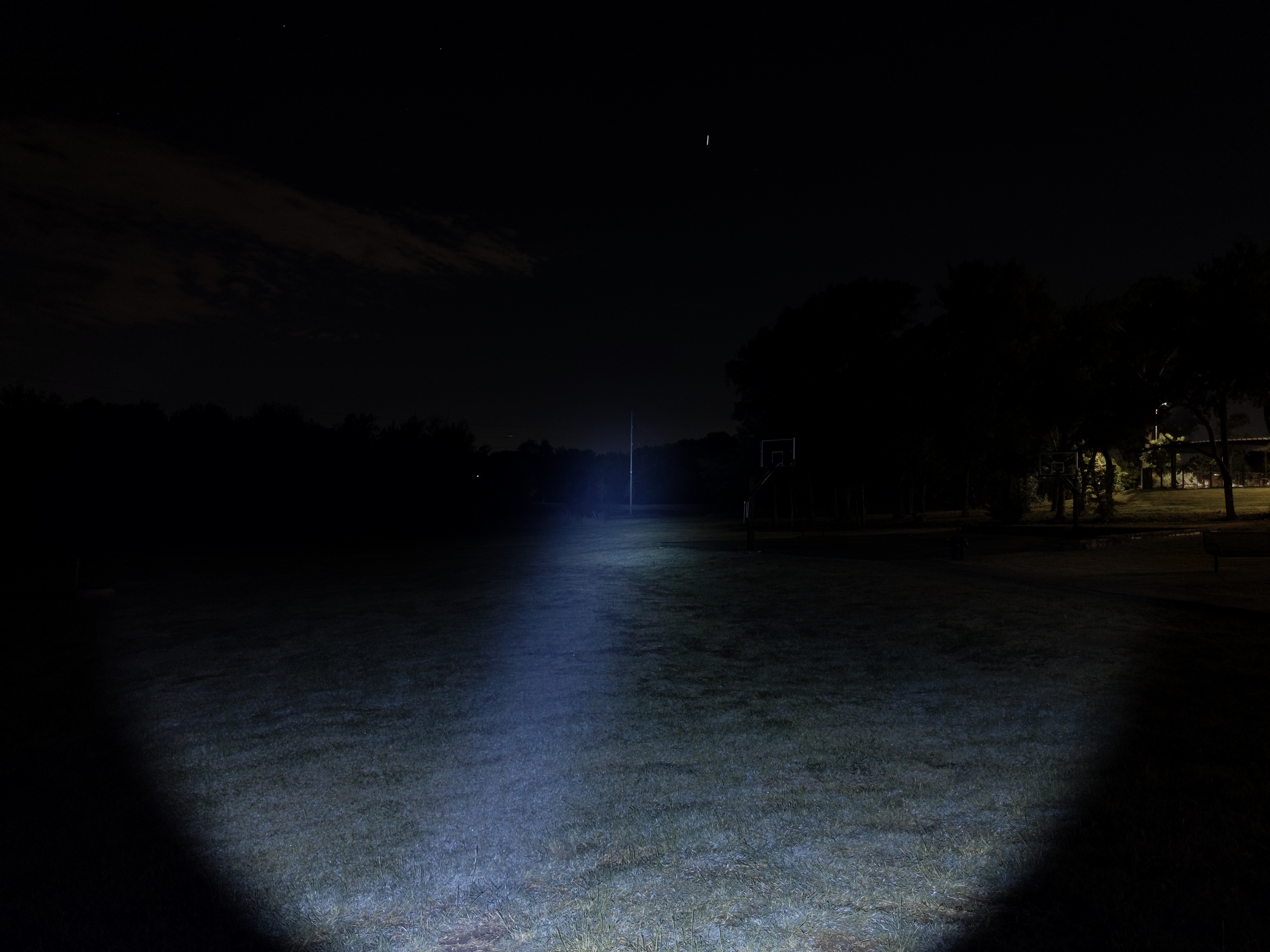
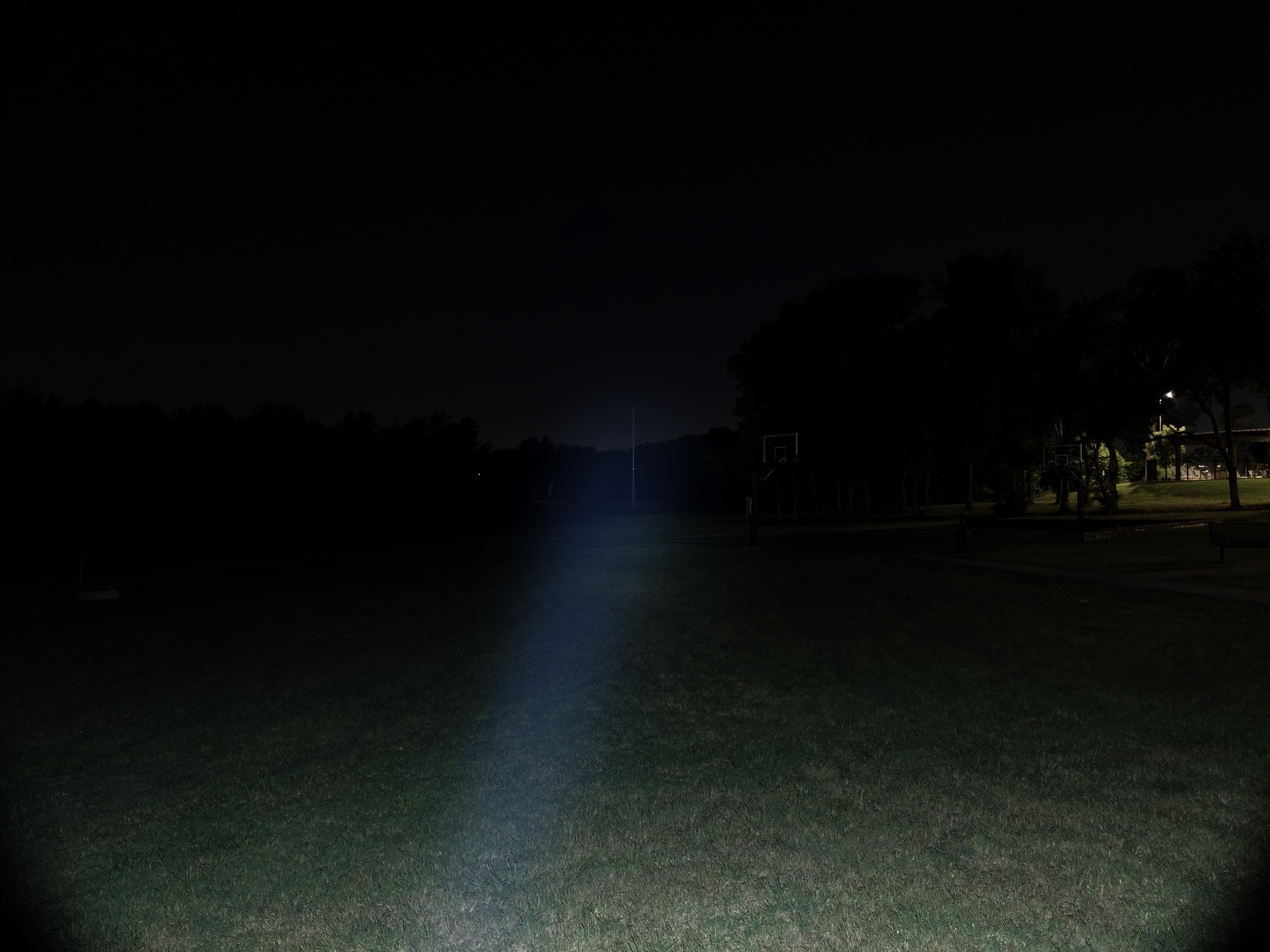
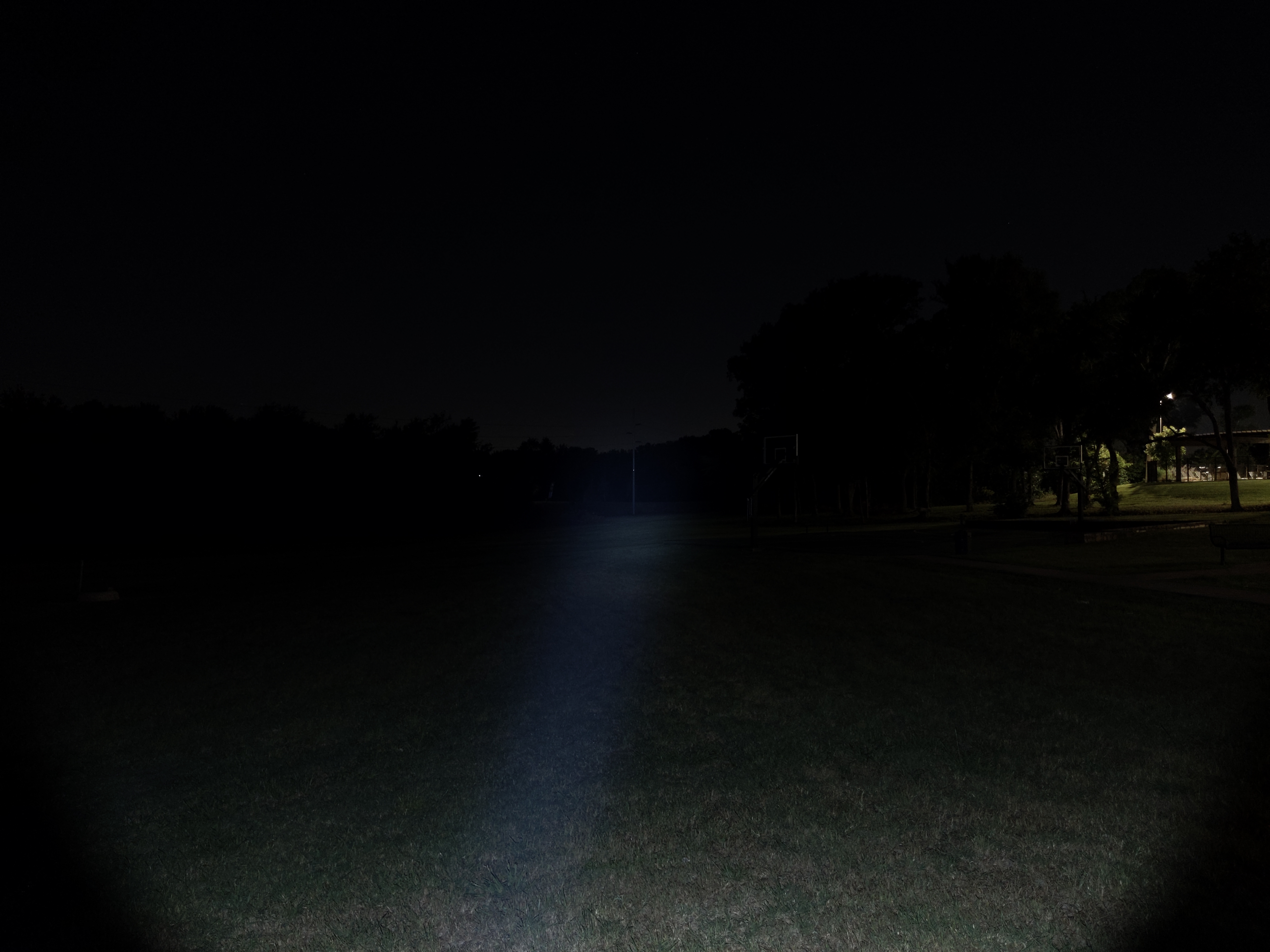
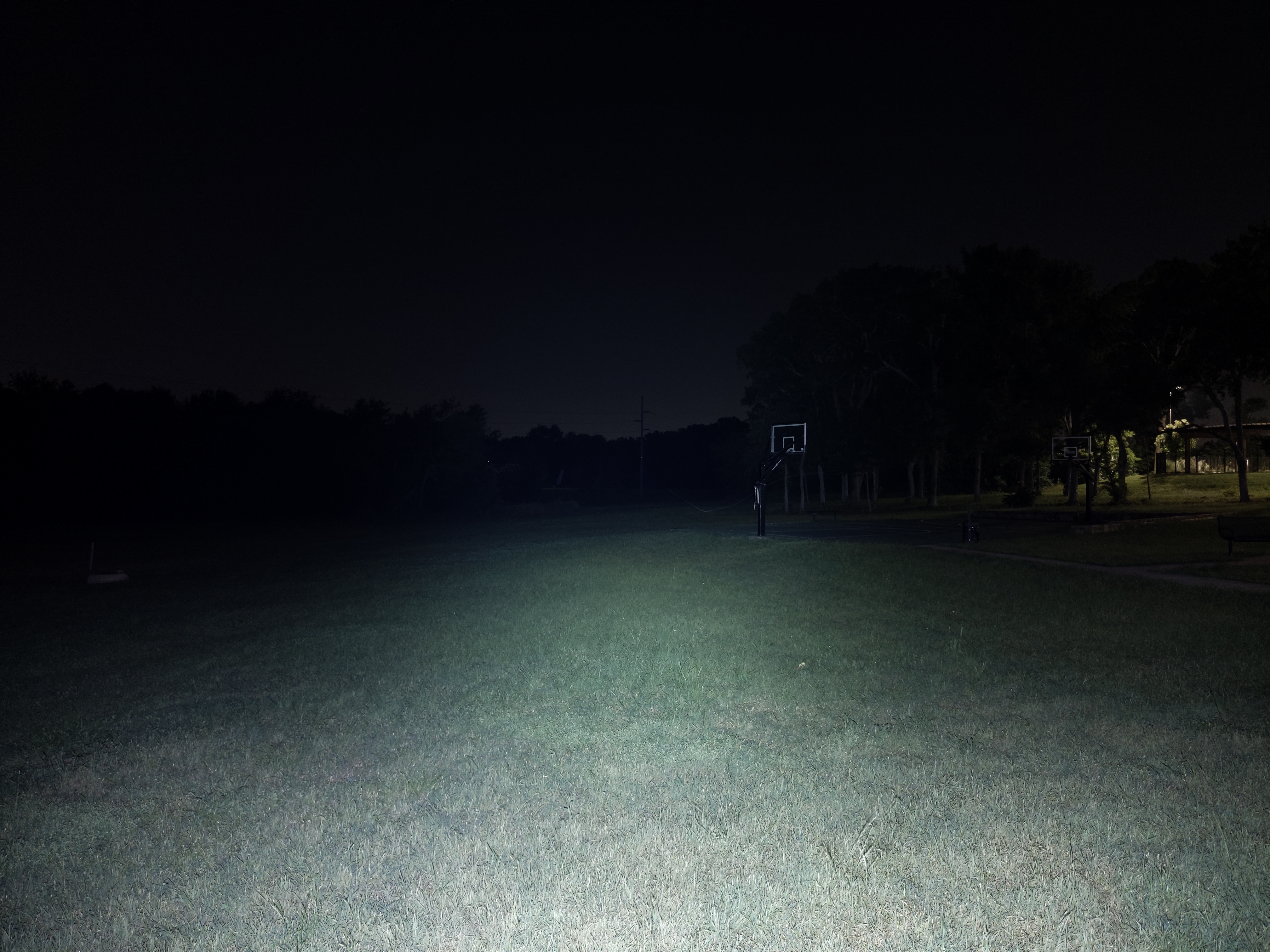
The beam is narrow and throwy. The hotspot doesn’t have a hard, crisp edge but you can still clearly see what’s hotspot and what’s not. The spill is reasonably bright for peripheral illumination.
In the beamshots below, camera settings are fixed and the wall is 2.8M away.

In the beamshots below, camera settings are fixed, the basketball goal to the right of the hotspot is 39M away, and the power pole in the center is 185M away.
Mode Chart
Disclaimer: All of my measurements are taken at turn-on. Lumen measurements were taken on a Texas Ace 3.5″ Lumen Tube. A candela measurement was taken at 10 meters with an Opple Light Master III on the highest brightness, and other candela figures were calculated relative to that. CRI, CCT, & DUV data were taken for each mode from a few feet away at the center of the hotspot with the Opple Light Master and Waveform DUV Calculator. Runtime tests were performed with the Ceilingbounce app on my smartphone. These tests were performed with a fully charged included battery unless otherwise specified. I cannot measure moonlight directly, so moonlight readings are calculated based on the brightness relative to the next-lowest mode. None of this is professional equipment, so take these measurements with a grain of salt.
| Level | Lumens | Candela | Throw |
| Turbo | 1000 | 65025 | 510 |
| High | 300 | 19510 | 280 |
| Medium | 60 | 3900 | 125 |
| Low | 10 | 650 | 51 |
| Moonlight | <1 | <65 | <16 |
The official specs are above, followed by my own measurements below.
| Level | Lumens | Candela | Throw (Meters) | CRI (Ra) | Color Temp. (K) | DUV (Tint) |
| Turbo | 1060 | 78000 | 560 | 67 | 6330 | 0.0056 |
| High | 280 | 21000 | 290 | 63 | 6410 | 0.0109 |
| Medium | 57 | 4200 | 130 | 65 | 6010 | 0.0092 |
| Low | 8 | 590 | 49 | 64 | 5880 | 0.0112 |
| Moonlight | 0.10 | 7 | 5 | 64 | 5870 | 0.0112 |
Runtime

Performance is fair. This light is built to throw, not for crazy brightness. Over 1000 lumens for 2-3 minutes is very respectable though. The ~280lm sustained brightness is conservative, but it keeps the light comfortable to hold. Since it lines up with High mode, you can just use High mode if you want max brightness without any thermal throttling. Runtime is great.
Thermal regulation appears to only be active for a short time after Turbo activation. When it gets hot enough, it steps down to High mode and stays there. From there it actually cools down a bit and gets just mildly warm to the touch. That 280lm sustained brightness is very conservative, but I think it’s appropriate. It’s nice that it’s holdable instead of scalding hot.
LVP (Low Voltage Protection) is not present. This driver relies on the battery to have protection circuitry. I believe Olight decided to omit low voltage protection so that this single-cell light can use a variety of batteries, not just the included proprietary one.
Driver & Regulation
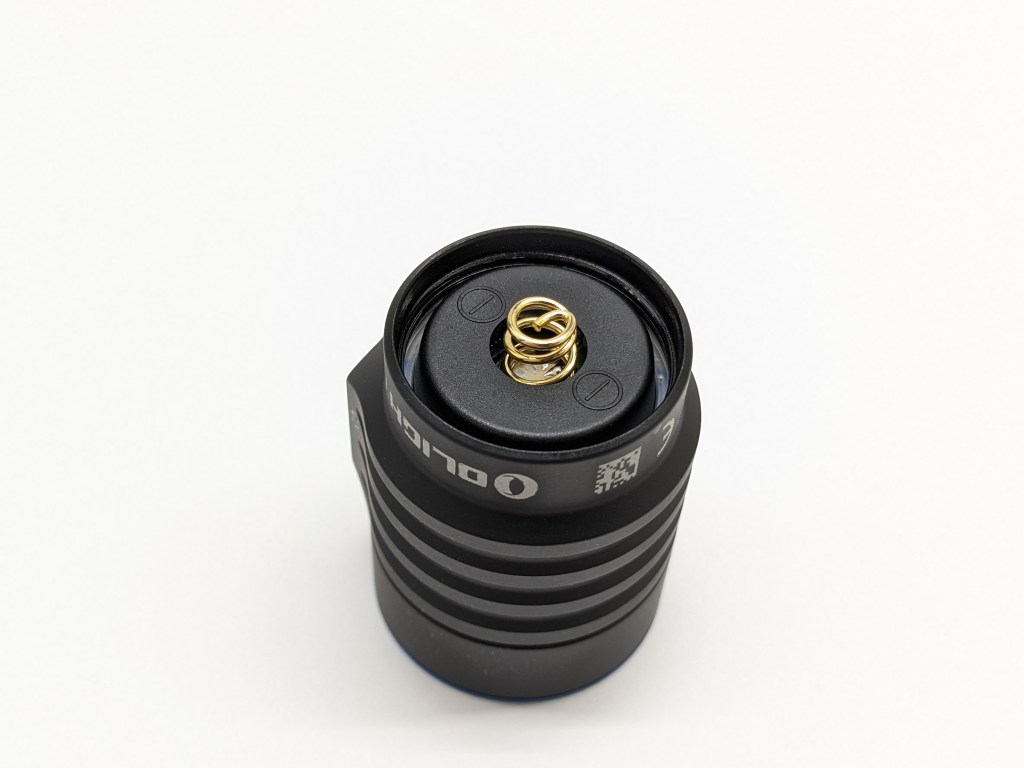
The driver seems fairly efficient but the regulation performance isn’t great. I suspect it’s a buck driver, but I don’t know for sure. Notice how there’s only one battery contact on the driver instead of two, like most Olight models. On this light, they put the two contacts for the proprietary battery inside the tail. That way their magnetic charging still works with their battery, but you can use standard batteries if you don’t mine charging separately!

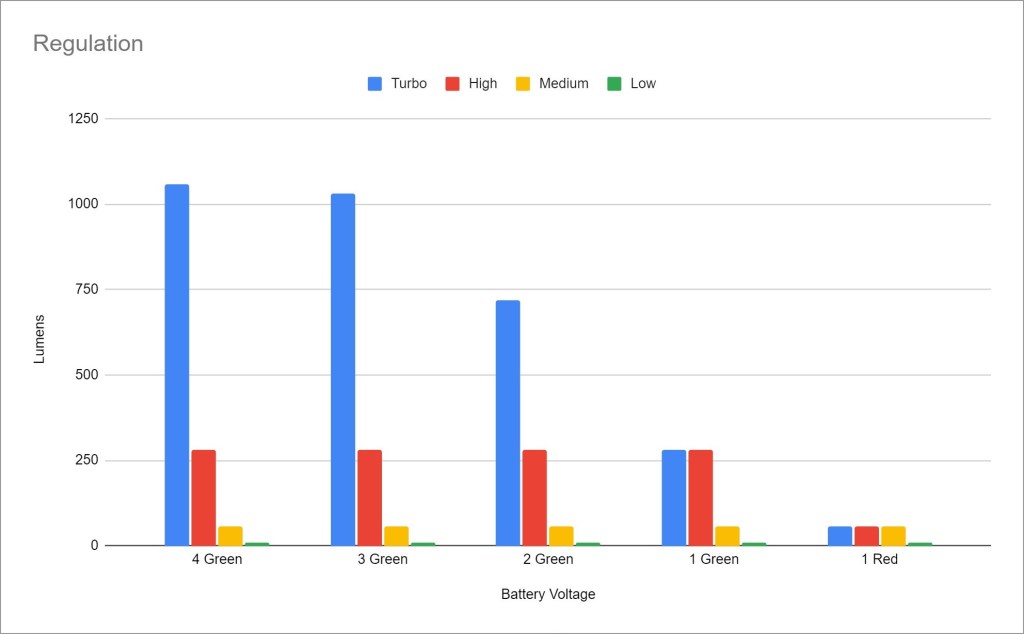
Regulation performance is mediocre. Turbo is significantly affected by battery voltage. The other modes aren’t affected until the battery’s effectively empty. I only tested with the included battery. Other supported batteries will provide different performance numbers.
PWM: No PWM is visible to my eyes or camera, nor audible to my ears.
Parasitic Drain: I couldn’t measure because my multimeter probes wouldn’t fit.
Switch
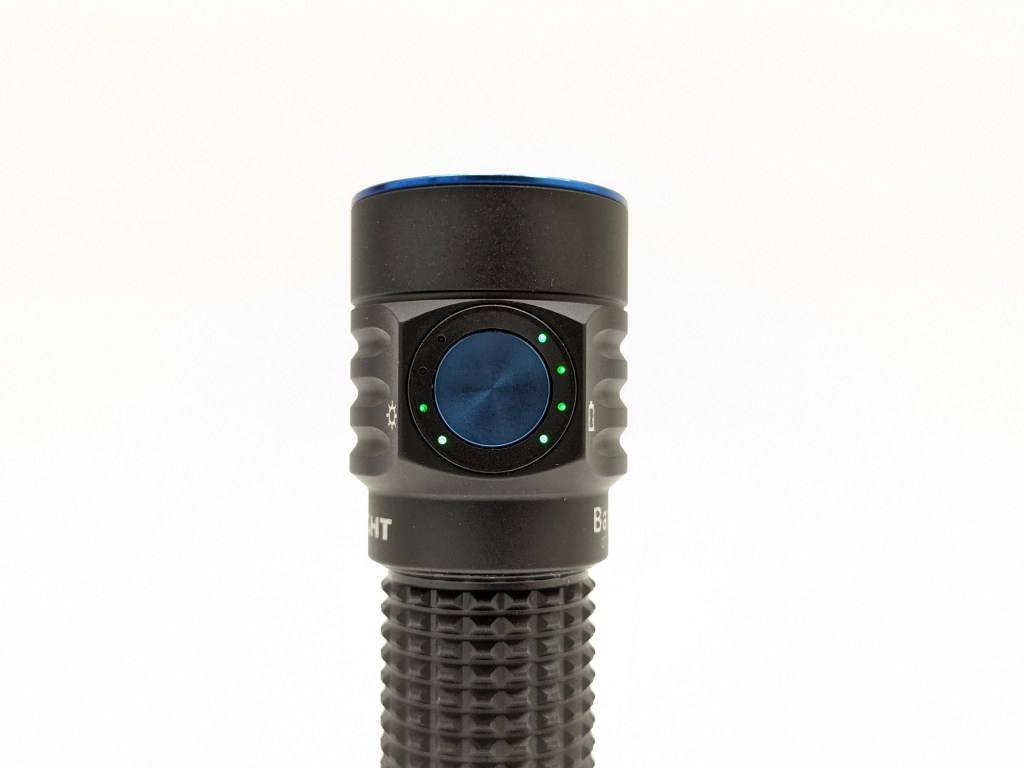
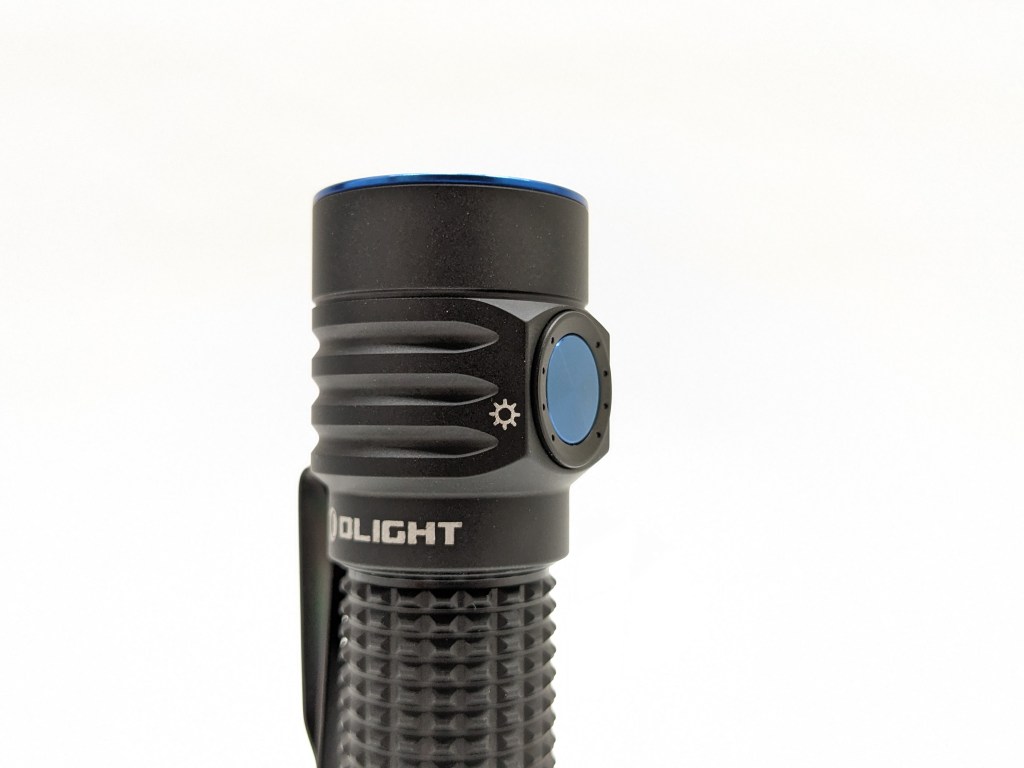
The switch is a flat, aluminum disc on the side of the light. It’s an e-switch and the action is fine, but it’s not particularly clicky or tactile. It’s easy to find by feel in the dark.
The indicators on either side of the switch glow for a few seconds when you press the button. The left side indicates brightness and the right side indicates battery. This is my favorite style of battery indicator and I’m so glad this light has it. The brightness level indicator is unnecessary but it’s kind of neat and it completes the symmetry with the battery indicator.
Carry & Ergonomics
Ergonomics are good. It’s fairly small but still easy to hold. It’s comfortable to use in a forward or neck grip. The button is easy to find by feel.
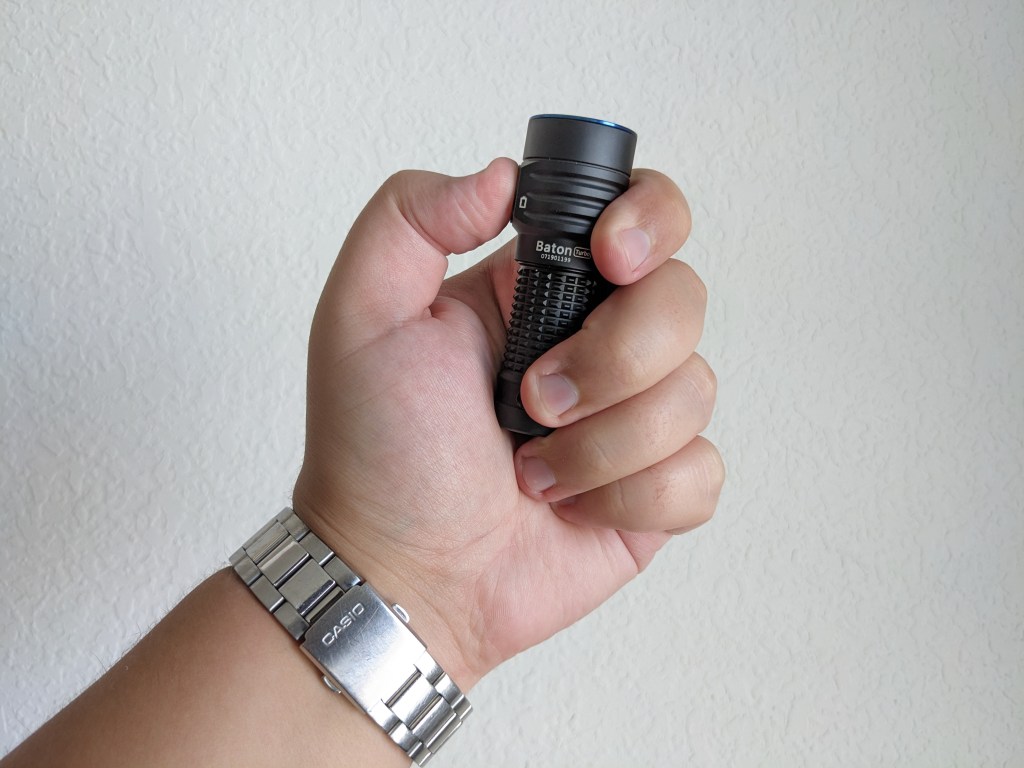

Clip score 6.5/7 – Pass
- Clip attaches securely, doesn’t rotate, and is user-serviceable – Pass
- Mounting location is near the tailcap – Pass
- Deep carry for EDC, shallow-carry for duty/tactical – Pass
- Landing location is smooth, not the charging port, and away from the bezel – Pass
- Mouth/ramp and loop(s) are wide enough for pants material – Debatable (half score)
- No bidirectional clips if the light is too big or heavy to clip to a hat – Pass
- Finish is durable – Pass
The clip is excellent. I’m so glad Olight attached it near the tail instead of on the head like the rest of the Baton series. The only minor caveat is that the clip rubs on the head when you remove the battery, but you can lift it to prevent that.
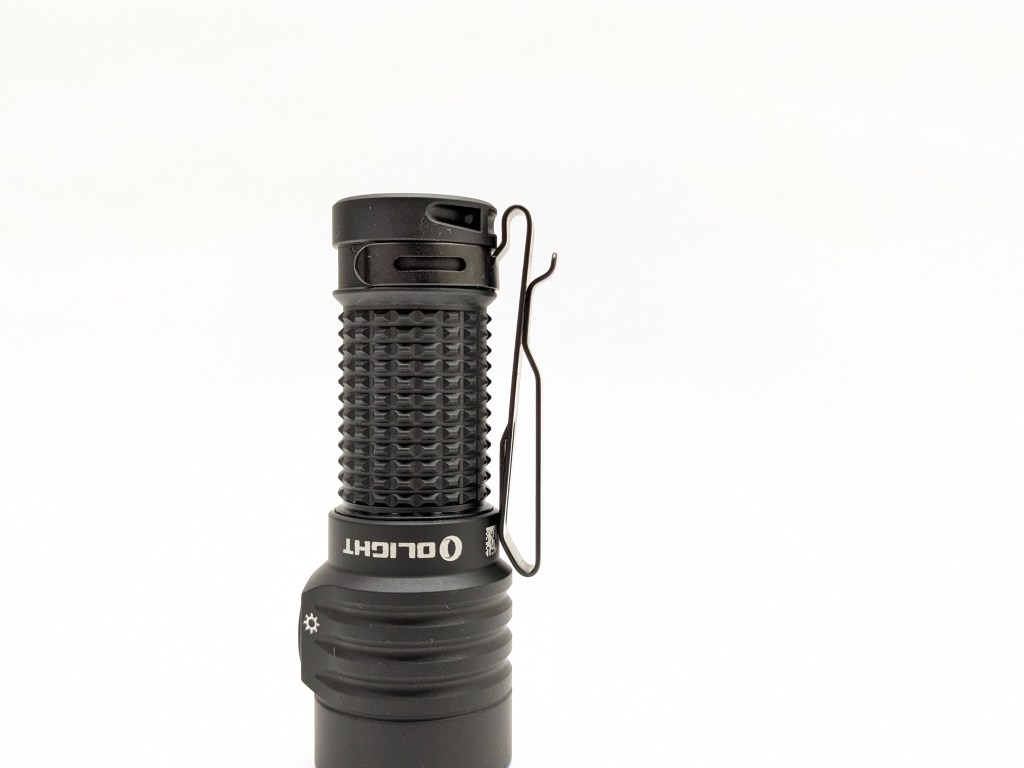
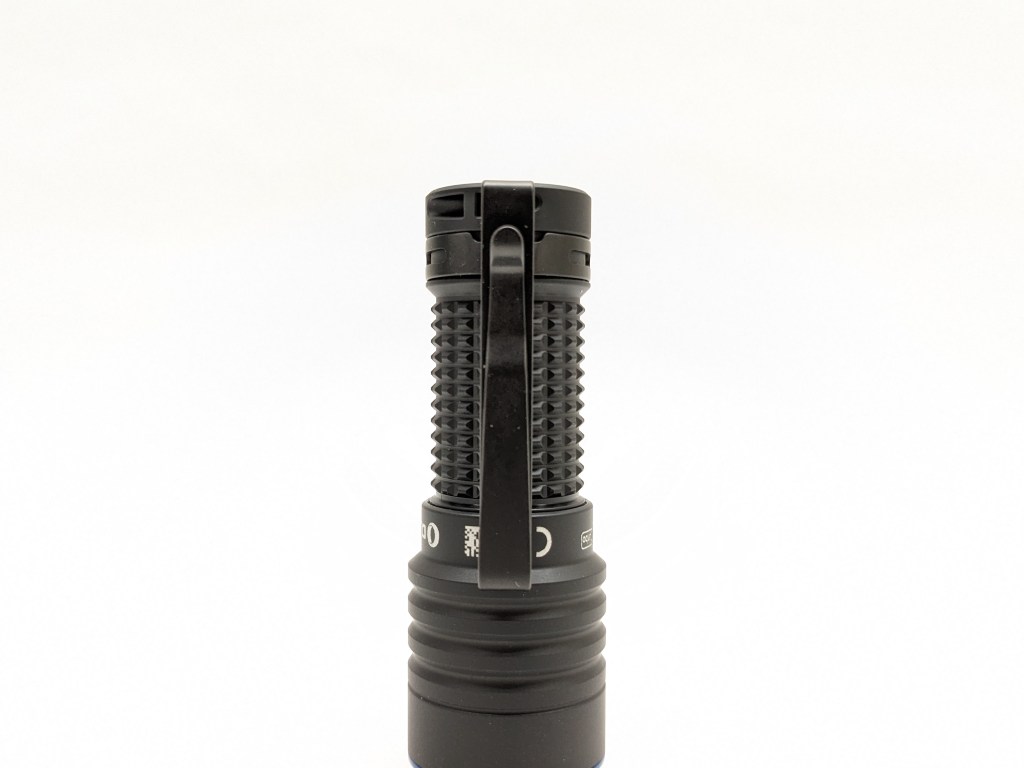
A magnet is embedded in the tail cap to facilitate magnetic charging and allow you to stick the light to ferrous surfaces. It’s plenty strong to hold the light up on a vertical surface. The charging contacts are exposed so it would be wise to keep it away from metal shavings.
Batteries & Charging


The battery included is a proprietary Olight-branded 18350 cell with an 1100mAh capacity rating. It does a fine job powering this light, but a lower-capacity higher-discharge cell would probably help the regulation performance. It goes in “backward” with the negative end toward the head.
Unlike most Olight models, you don’t have to use the proprietary battery. Any 18350, 16340, or CR123A battery should work in this light. Olight even includes a nice 16340/CR123A spacer in the box. If you use 16340/18350 cells, make sure they’re protected because there’s no LVP. Only Olight’s proprietary batteries will charge in this light though.
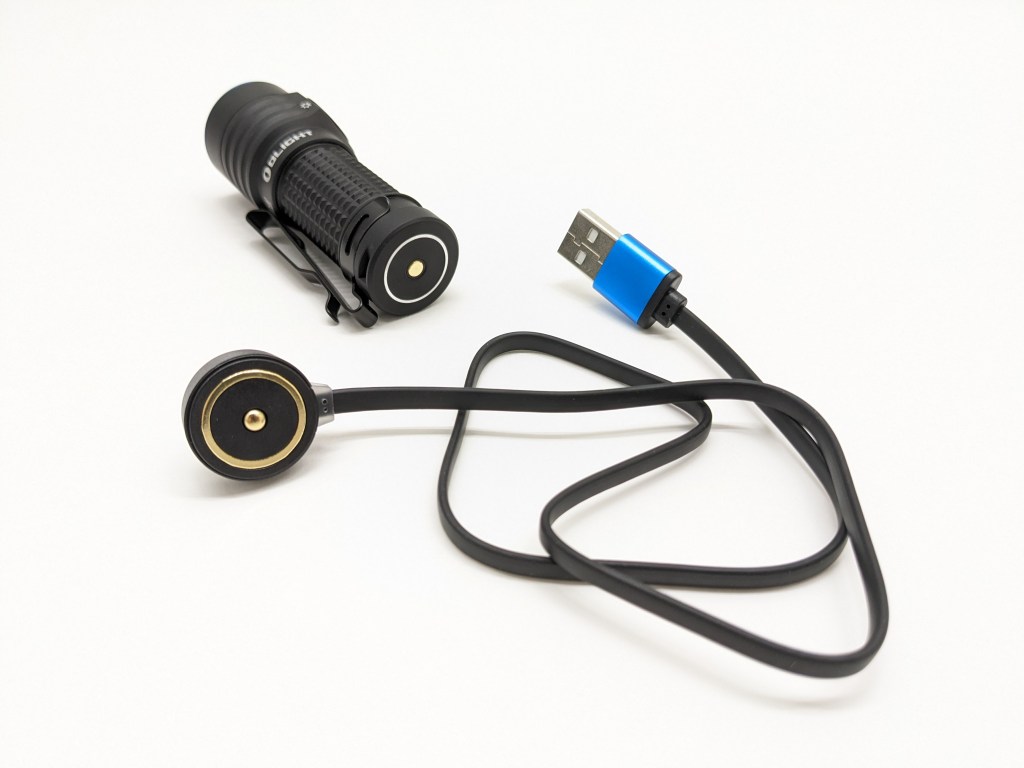
Charging is facilitated by Olight’s magnetic charging system. There’s a cable included with USB-A on one end and a magnetic puck on the other. That magnetic puck and tailcap have mating charging contacts and snap together magnetically. It’s very convenient if you always charge in the same spot, but it’s a special cable you have to bring when you travel. The charging only works with Olight’s proprietary batteries. Charging takes about 70 minutes. It’s fully functional while charging, but the battery has to be installed.

The battery indicator is perfect. It’s four LEDs right next to the button that glow when you turn the light on/off. They display remaining battery in 25% increments, plus the last one will turn red when the battery is critically low. This style of battery indicator is intuitive and glanceable. I like it so much more than a blinky voltage readout.
Competition
Here are some lights in the same class and how they compare.
Nitecore MT1C Pro: tail switch alternative
- less expensive
- similar performance
- very similar size
- same battery options (except Olight’s proprietary cells)
- no integrated charging, but the included battery has a USB-C port for charging
- only two modes, always starts on High
- no battery or brightness indicators
- forward clicky tailswitch
- excellent screw-on clip
Thrunite Catapult Mini Pro: bigger & brighter alternative
- slightly less expensive
- more throw & brightness
- much larger head
- no pocket clip nor magnet
- worse battery indicator
- 18650 extension tube included
- Only accepts Li-ion batteries (no CR123As)
- Similar switch & UI
- Note: There are several models in this size class (Catapult Mini, Manker MC13, Wurkkos TS11). They’re all fairly similar and all of them are good.
Convoy S6 (with 18350 tube & throwy LED): budget alternative
- dramatically less expensive
- battery optionally included
- no integrated charging
- both optional pocket clips are mediocre
- reverse clicky tail switch
- lots of LED options
- customizable UI
- slow shipping
This section is not comprehensive. If I didn’t include a particular light here, it doesn’t mean it’s bad or doesn’t deserve to be here. I simply cannot list every possible competitor.
Conclusion
I love the pocket clip, size, and battery indicators. I like the build quality, beam, performance, and UI. The charging solution is fine. Baton Turbo should fall into the “pocket thrower” category, but I really think it’s in a smaller “EDC thrower” category. This is a light that is truly a thrower and an EDC light. Few other lights can manage that.
Thanks to Olight for sending me this light for review!

 Grizzly's Reviews